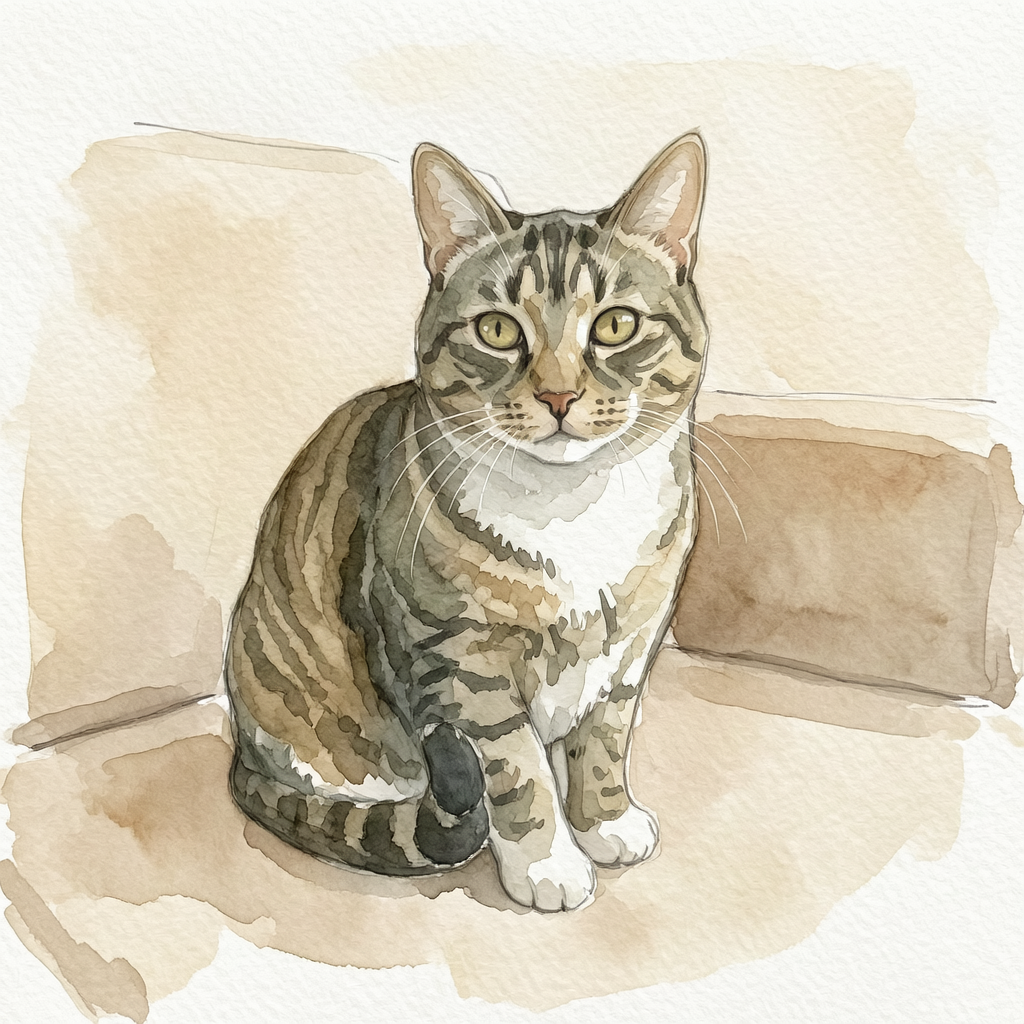
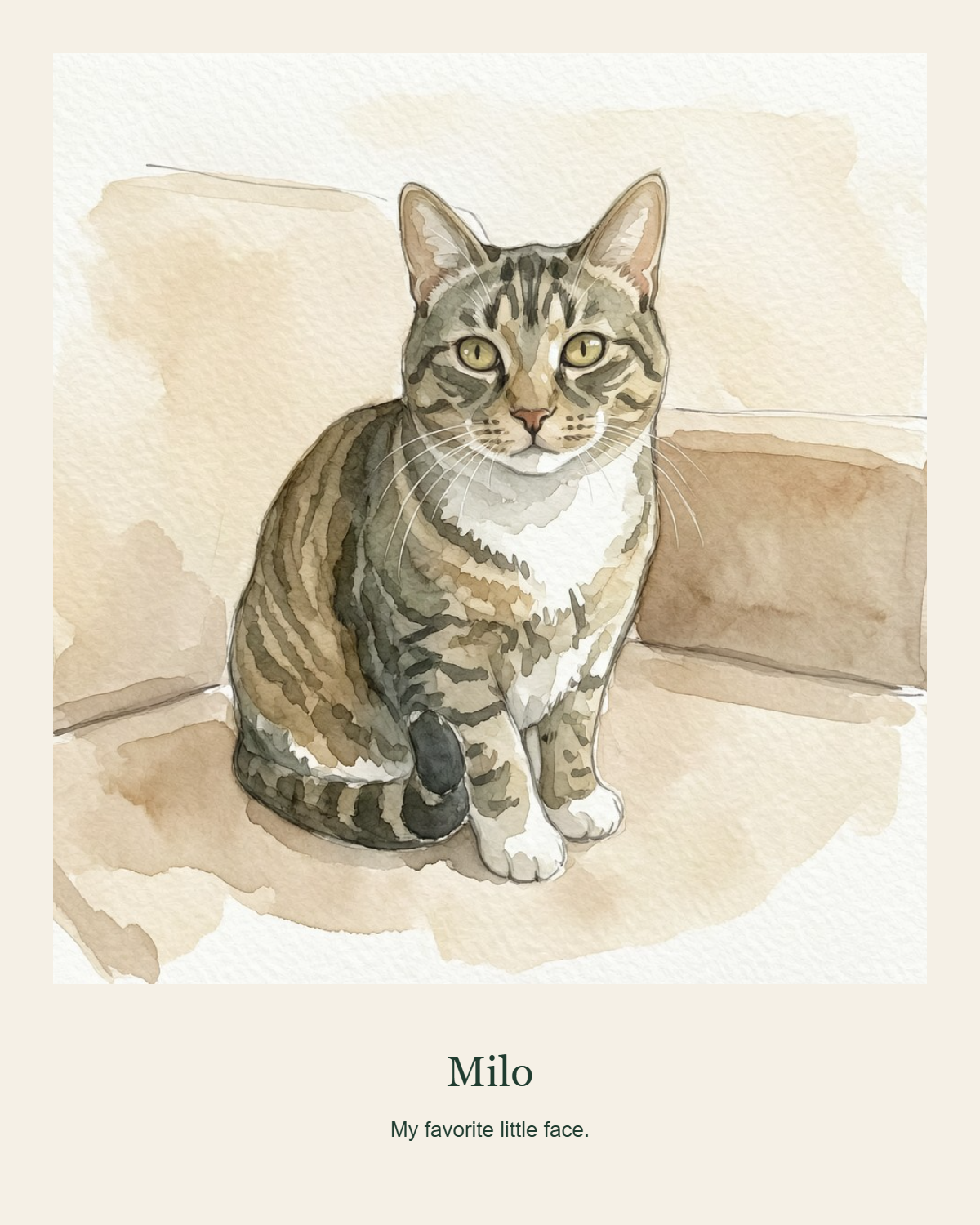
Use your photo or a finished portrait
A keepsake adds text and a frame without asking a model to redraw your pet. You can upload your own photo or use Make a keepsake after a cloud portrait is finished. It also works for a favorite older image when you want to preserve the photo's existing character.
Give the image a personal detail
Add your pet's name and a short message, then choose the frame options available in the studio. A simple name can suit a profile picture; a few words can make a personal memento. Leave text blank if you prefer a quiet frame. Review spelling and placement before you download.
Choose a shape for where it will go
The studio offers portrait 4:5, square 1:1 and story 9:16 layouts. These describe the canvas proportions, not a guaranteed physical print size. A change of shape can crop part of the image; check that the ears, face and other details remain in view. Inspect the PNG's actual pixels before arranging a print.
Made in your browser
Frames, names and layout sizing are rendered in your browser. This step does not require a cloud image request and does not upload the photo to our server. A portrait generated earlier used the cloud portrait service; adding a keepsake frame is a separate local step. Download the PNG before leaving the page.
How to use it
- Open the keepsake tool and add a photo, or choose Make a keepsake from a finished portrait.
- Enter a name and optional short message, then choose a frame and portrait, square or story shape.
- Create the image, check the crop and spelling, and download the PNG.
Before you start
Can I make a keepsake without generating an AI portrait?
Yes. Upload your own photo directly to the keepsake tool. Frames and text do not require a cloud portrait first.
Is this a physical framed print?
No. Pawframe makes a digital PNG. It does not manufacture, frame, ship or sell a physical print.
Can I use this for a pet memorial?
You can add a name or personal message to a photo you own or have permission to use. The frame tool keeps the existing image; it does not reconstruct missing details of your pet.
Does adding a frame use my free edit allowance?
No. The keepsake step runs in your browser and does not require a paid image-model request.
Privacy & how your photos are handled
Tool guide by Pawframe · Published 2026-10-14.