Your pet.
A portrait
you’ll keep.
Make a watercolor portrait, clean up a favorite photo, or add a name and frame. Start with one photo.
Make your pet portrait →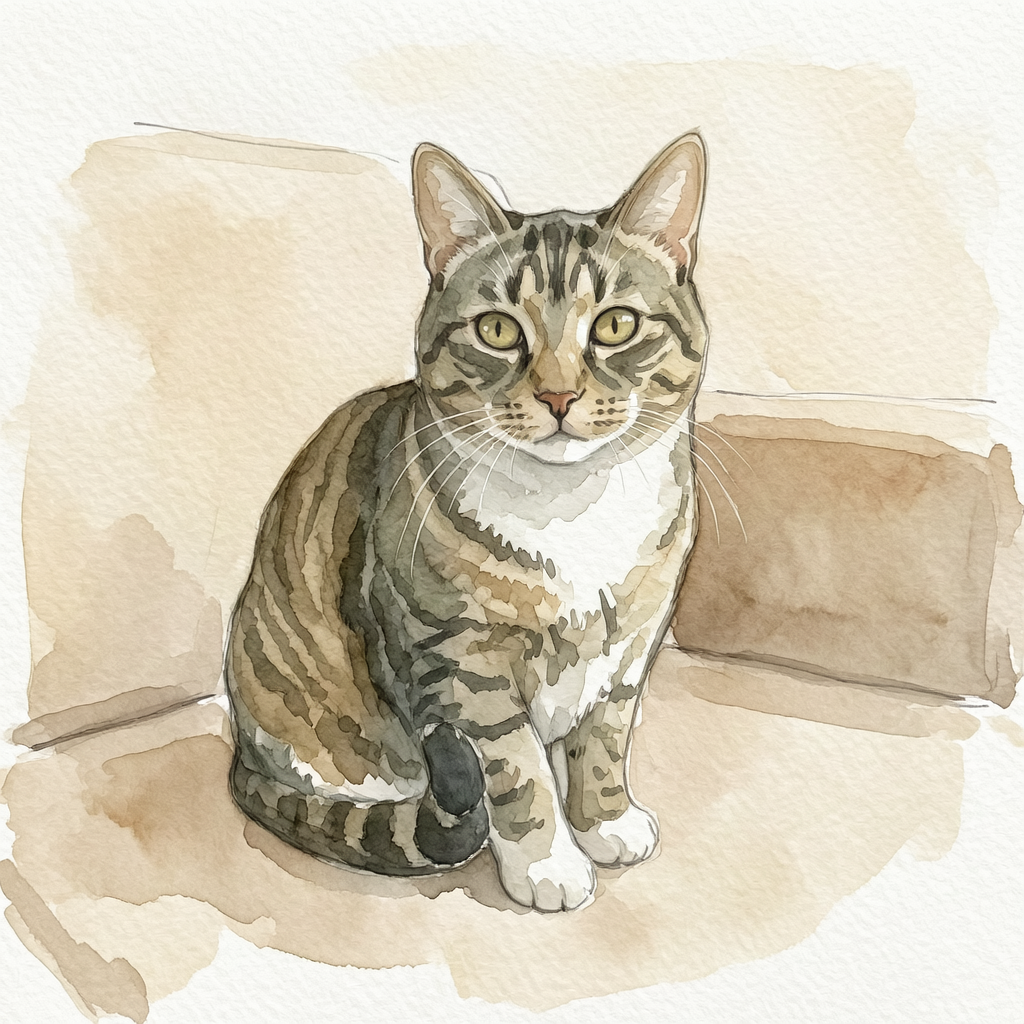 Watercolor finish
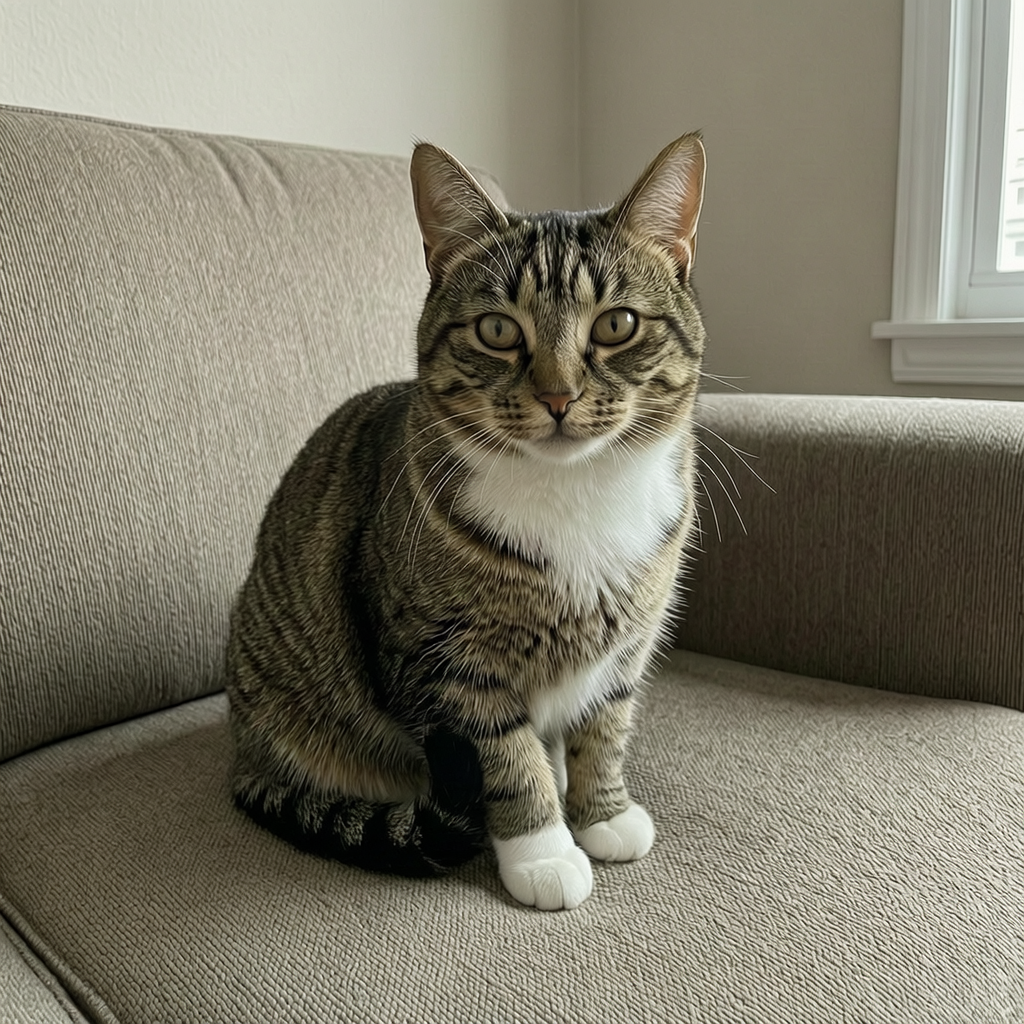 The photo we started with
Same cat. A few new looks.
These are actual results from our sample photo. Yours starts with your pet.
What would you like to make?
Pick a tool, add your photo, and make it yours.
Add your pet photo
Drag & drop your photo here
JPEG, PNG or WebP · up to 10 MB each
Drag & drop a JPEG, PNG or WebP · up to 10 MB
Your pet stays in the same position. The background fills the original photo.
Edits use an AI model. Check the details before keeping your result.
Keep every little detail.
Keep the pose. Check the fur, ears and paws.
Check the outline before downloading.
Your photo is ready.
Look closely at markings, eyes and paws. Creative edits can change details.
Three simple steps.
No app to install. No physical delivery.
- 1
Choose your photo.
A clear face and visible markings give the best starting point.
- 2
Pick the finish.
Make a portrait or a small correction. Tell us which details matter.
- 3
Check it. Download it.
Compare with your original. Add a frame, or keep the finished PNG.
Before you start.
What is free?
You can try up to three image edits per browser session each day, while the shared daily capacity lasts. Background replacement, frames, names and sizing work in your browser without a paid model request. We do not collect payment.
Is this a handmade painting?
Photo edits and portrait styles use an AI model. Your download is a digital image, not a handmade painting or a physical print.
Will it still look like my pet?
Tell us about important markings and features. Always compare the eyes, face and paws with your original; creative edits can change details.
Can I use an older pet photo?
Yes. Start with the clearest copy you have. Small improvements may help, but missing details cannot be recovered exactly.